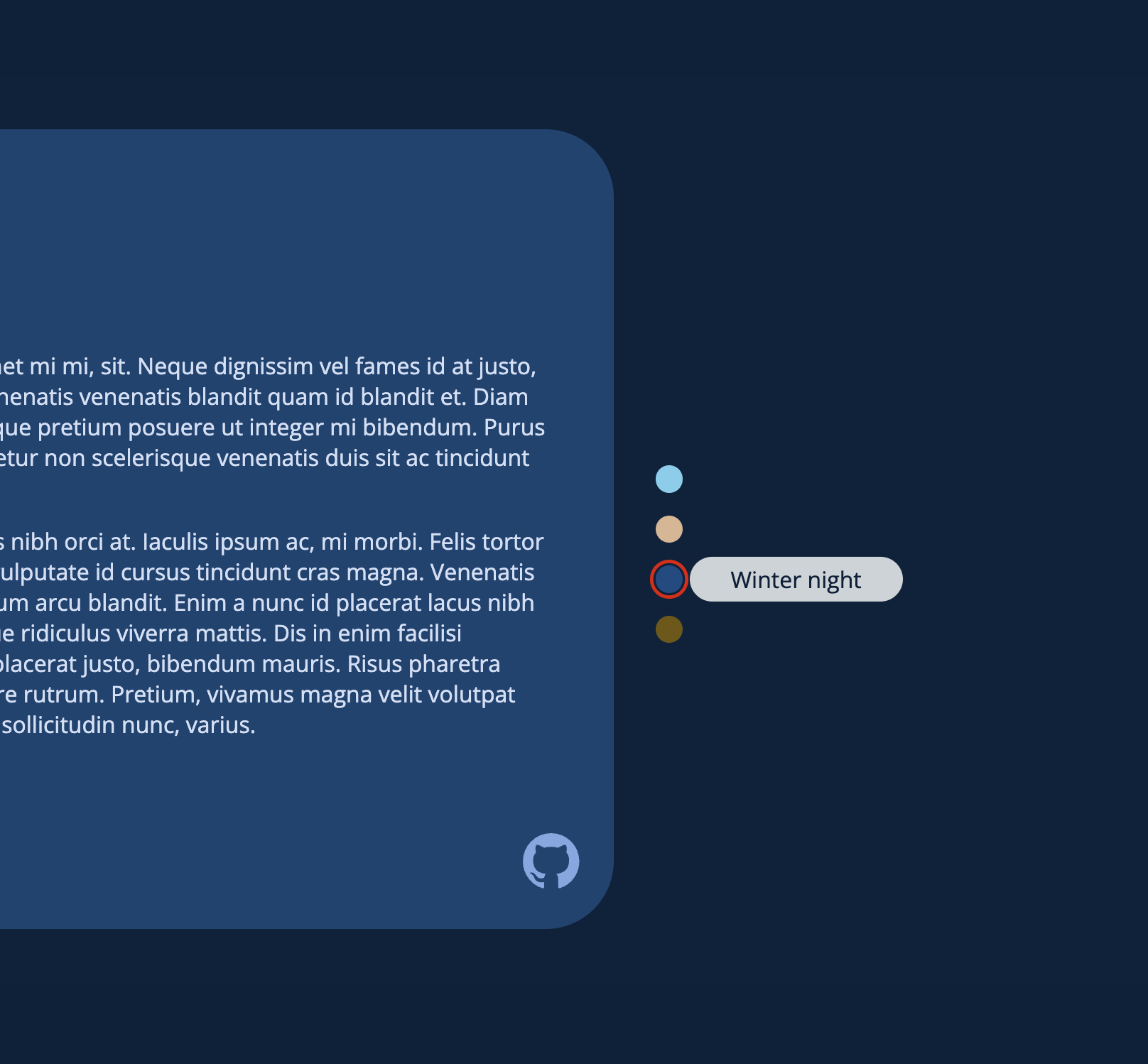
This project was a small but fun project that I did. It involved creating a SASS Map which was used to generate different classes based on the theme names from the map. You can check out the project here.
in case you’re wondering about the
hsl(216 100% 12% / 0.8)color syntax, it is equivilant tohsla(216, 100%, 12%, 0.8). This is the new color syntax for CSS, notice how itshslnothslanow, same works forrgb.
Here is an example of one theme:
winterday: (
	body: (
		bg: hsl(195 100% 95%),
	),
	contentContainer: (
		bg: hsl(195 49% 80%),
		text: hsl(216 100% 14%),
		title: hsl(216 100% 19%),
	),
	button: (
		bg: hsl(216 100% 12% / 0.8),
		bgHover: hsl(216 100% 12% / 1),
		text: hsl(213 100% 94%),
	),
	tooltip: (
		bg: hsl(0 0% 0% / 0.8),
		text: #e7f9ff,
	)
);
Here is the loop I wrote to loop through the themes and create classes:
@each $theme, $components in $colours {
	.#{$theme} {
		@each $component, $value in $components {
			@each $prop, $value in $value {
				--clr-#{$component}-#{$prop}: #{$value};
			}
		}
	}
}
And here is the generated output CSS:
.winterDay {
	--clr-body-bg: #e6f9ff;
	--clr-contentContainer-bg: #b3d8e5;
	--clr-contentContainer-text: #001d47;
	--clr-contentContainer-title: #002761;
	--clr-button-bg: rgba(0, 24, 61, 0.8);
	--clr-button-bgHover: #00183d;
	--clr-button-text: #e0eeff;
	--clr-tooltip-bg: rgba(0, 0, 0, 0.8);
	--clr-tooltip-text: #e7f9ff;
}
These css custom properties can be used throughout the project.
The themes chosen by the user are also stored in localstorage to retain the state when the user selects a theme and reloads the page.
This was a fun project and hope to do more projects using SASS.